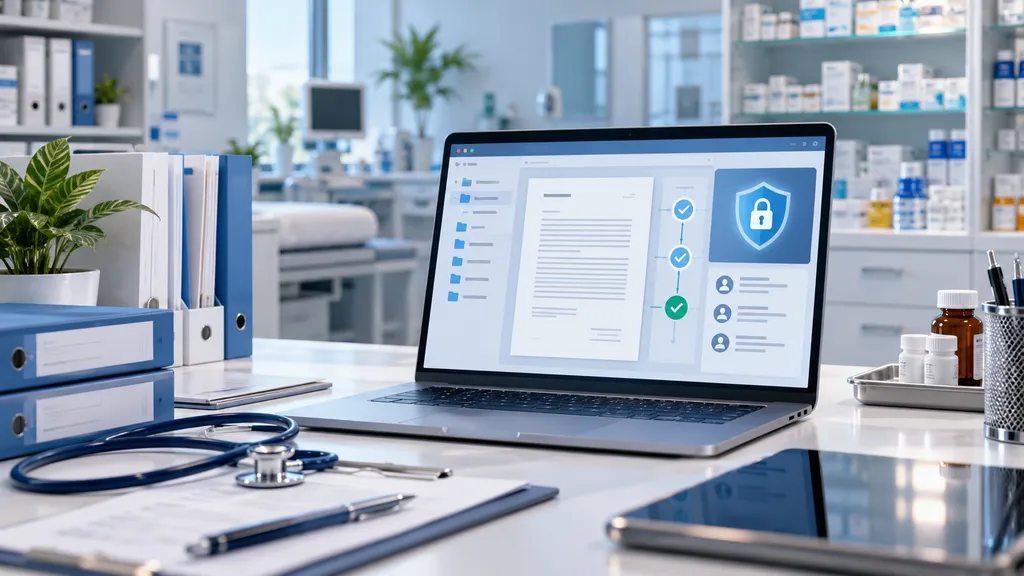
Medical centers and pharmaceutical companies work with different categories of information: from contracts and HR documents to data that requires restricted access. When switching to electronic document management, it is important not simply to eliminate paper, but to organize secure work with files, approvals, and registries. This requires defining in advance who may view documents, make changes, sign them, and transfer them to other participants.
Electronic document management in Uzbekistan, as in other countries, should take into account the specifics of the organization’s activities and the applicable data protection requirements. An electronic document management system helps streamline internal processes if access rights, storage rules, and employee responsibilities are defined before launch. The digital format itself does not guarantee confidentiality: the result depends on system settings, organizational rules, and control over user actions.
Which Documents Are Especially Important to Separate by Access Level
Not every employee of a medical center or pharmaceutical company needs the same level of access to documentation. The accounting department needs financial documents, the HR department needs personnel-related materials, while management requires reports and internal orders within the scope of its authority. Patient information and other restricted-access data require particular attention: the procedures for working with them must comply with applicable legal requirements.
When assigning access rights, it is useful to divide documents into several categories:
Contracts with suppliers, contractors, and partners.
HR documents, applications, and internal orders.
Financial and accounting documentation.
Documents related to procurement, supplies, and product accounting.
Materials containing personal data or trade secrets.
Company document management should be based on the principle of least privilege: employees receive access only to the materials they need to perform their work. It is important to consider not only viewing and editing rights, but also downloading, transferring, deleting, and signing files. A DMS document management system makes it possible to organize work with documents according to predefined rules, but the effectiveness of access control depends on the selected model and how it is configured.
How to Maintain Confidentiality During Approval and Signing
Roles should be defined for each workflow: who prepares the document, who reviews it, who approves it, and who signs it. Document workflow configuration should take employee responsibilities and substitutions into account so that access does not remain active after a role changes. An electronic signature confirms a document in the prescribed manner, while an activity log helps establish who opened the file, changed its contents, or transferred it further.
Before launch, check the following key conditions:
Viewing, editing, and signing permissions are separated.
Changes and document versions can be tracked.
Access rights are reviewed when an employee leaves the company or changes responsibilities.
Task notifications are sent only to the necessary participants.
Storage rules comply with internal requirements.
Electronic document management systems do not replace internal regulations and employee training. Management should appoint those responsible for access rights and define what actions should be taken in the event of an error or suspicious file transfer. A balance between convenience and protection is achieved through clear roles, traceable actions, and regular review of system settings.
Registries, Accounting Systems, and Data Exchange
Medical and pharmaceutical organizations may use accounting software, internal registries, procurement systems, and external information resources. Document workflow integration is useful when information has to be entered manually several times or when a document needs to be linked to a record in an accounting system. Data transfer should be limited to the fields that are actually required rather than giving an external application access to the entire archive.
Electronic document management automation reduces repeated data entry if business processes are described in advance and the source of up-to-date information is clearly defined. For each data exchange, the purpose, the scope of information, the responsible employee, and the error correction procedure should be documented. A structured registry makes searching and reconciliation easier, but its contents must remain up to date.
When selecting a solution, legal requirements, internal information security standards, and interaction with government systems should be taken into account. A central portal or interdepartmental data exchange is required only where it is part of the actual business process. Before launch, determine which operations can be automated and verify how the service manages access rights and data storage.
Thus, by implementing electronic document management, a medical center or pharmaceutical company receives a controlled document environment in which employee permissions are defined, changes can be tracked, and data exchange is limited to business necessity. Regular reviews of access rights and registry control help maintain order as processes change. Therefore, the effectiveness of electronic document management should be assessed not only by approval speed, but also by how reliably the organization protects information at every stage of work.